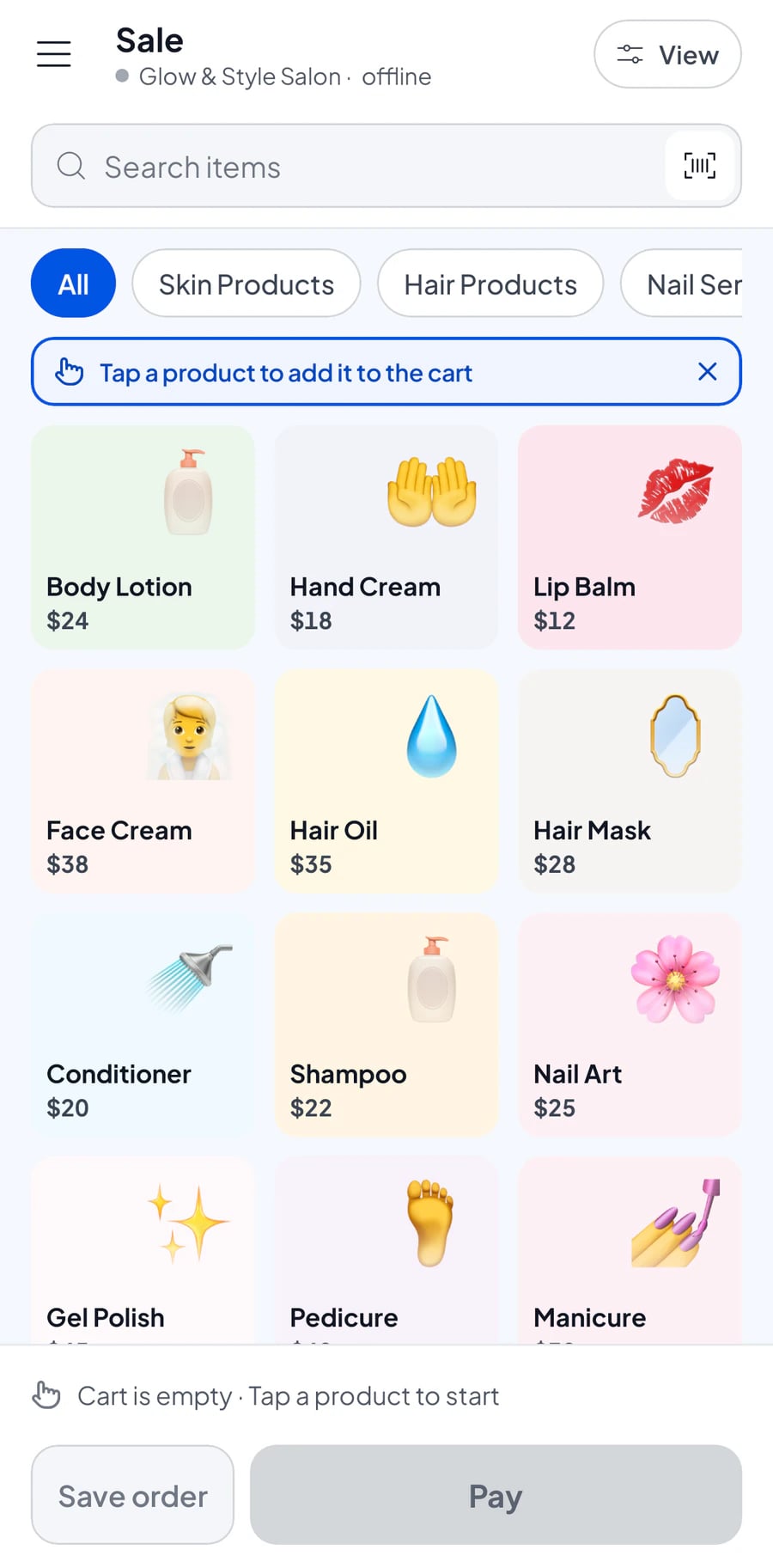

Open the till, stock is ready
Your catalogue, prices and stock are on whichever phone or tablet you pick up. Staff sign in with their own accounts.
- Catalogue and prices synced across devices
- Staff accounts with their own permissions

Salesmaster is a point-of-sale app for phone, tablet and laptop: record sales, print receipts and track stock with one account, even without internet.
Also forAndroidiPhone & iPadWindowsMac


Finally found a POS app that's simple and easy to use. Really… — Ochikame, App Store
Salesmaster is a point-of-sale (POS) app for small businesses such as shops, cafés, restaurants, minimarkets and salons. Record sales, print or send receipts, track stock and customers, and see reports on a phone, tablet or laptop with one account. It keeps working offline, and you can use it for free.
Salesmaster does more than record sales. It works with you from the morning until you see how the day went.

Your catalogue, prices and stock are on whichever phone or tablet you pick up. Staff sign in with their own accounts.

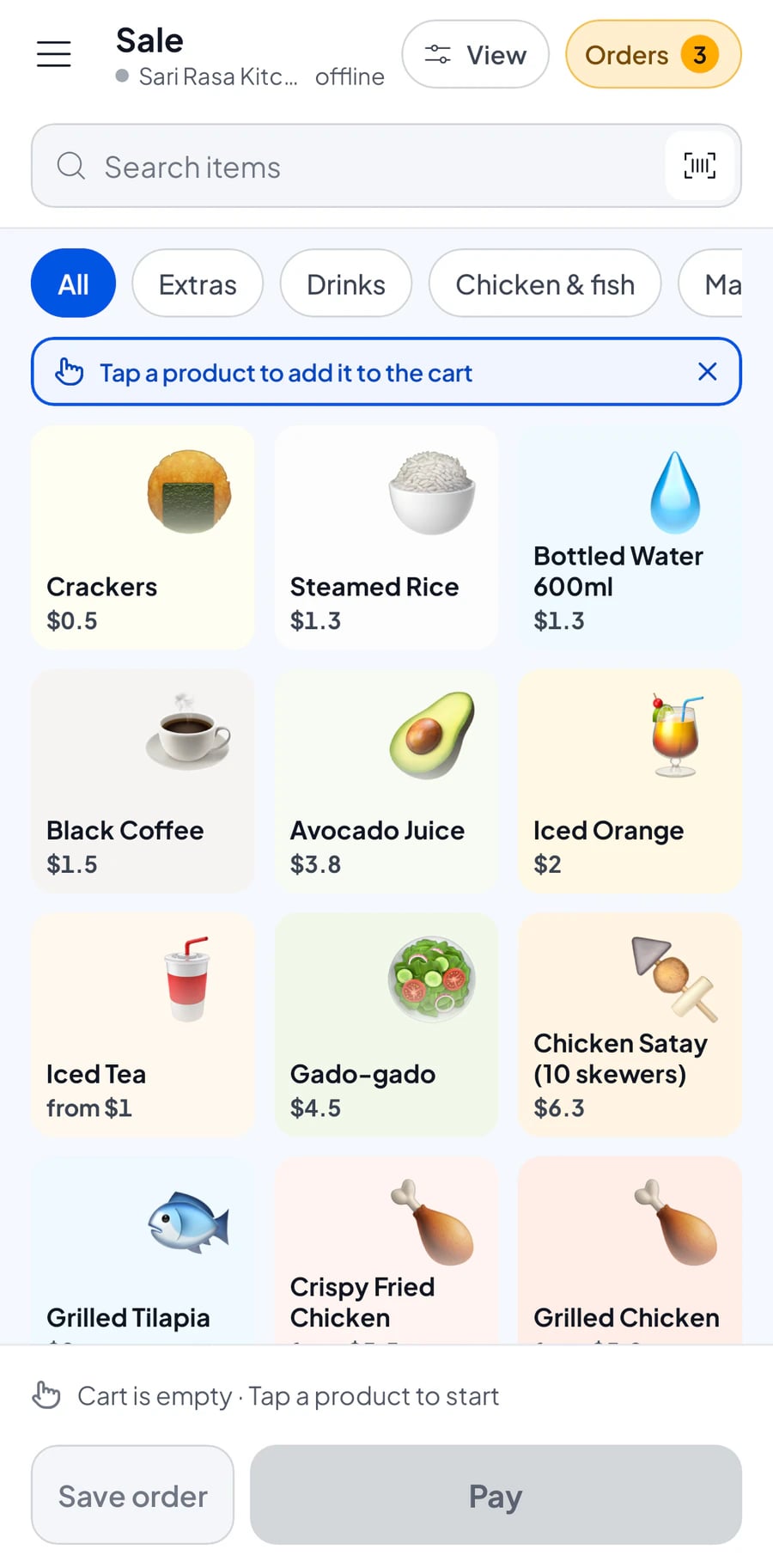
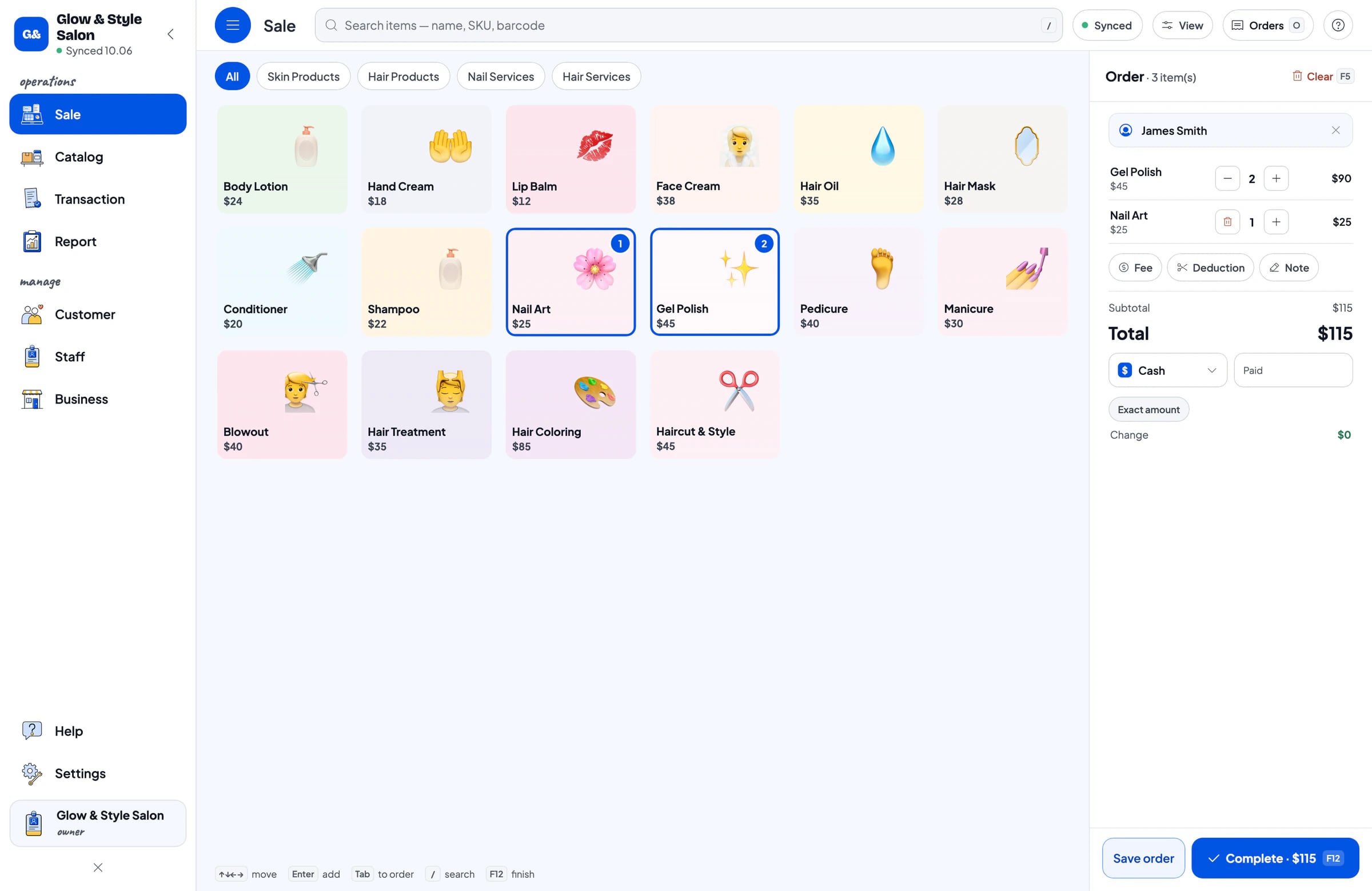
Scan or tap items, choose how the customer pays, done. Print the receipt or send it, even when the internet is down.

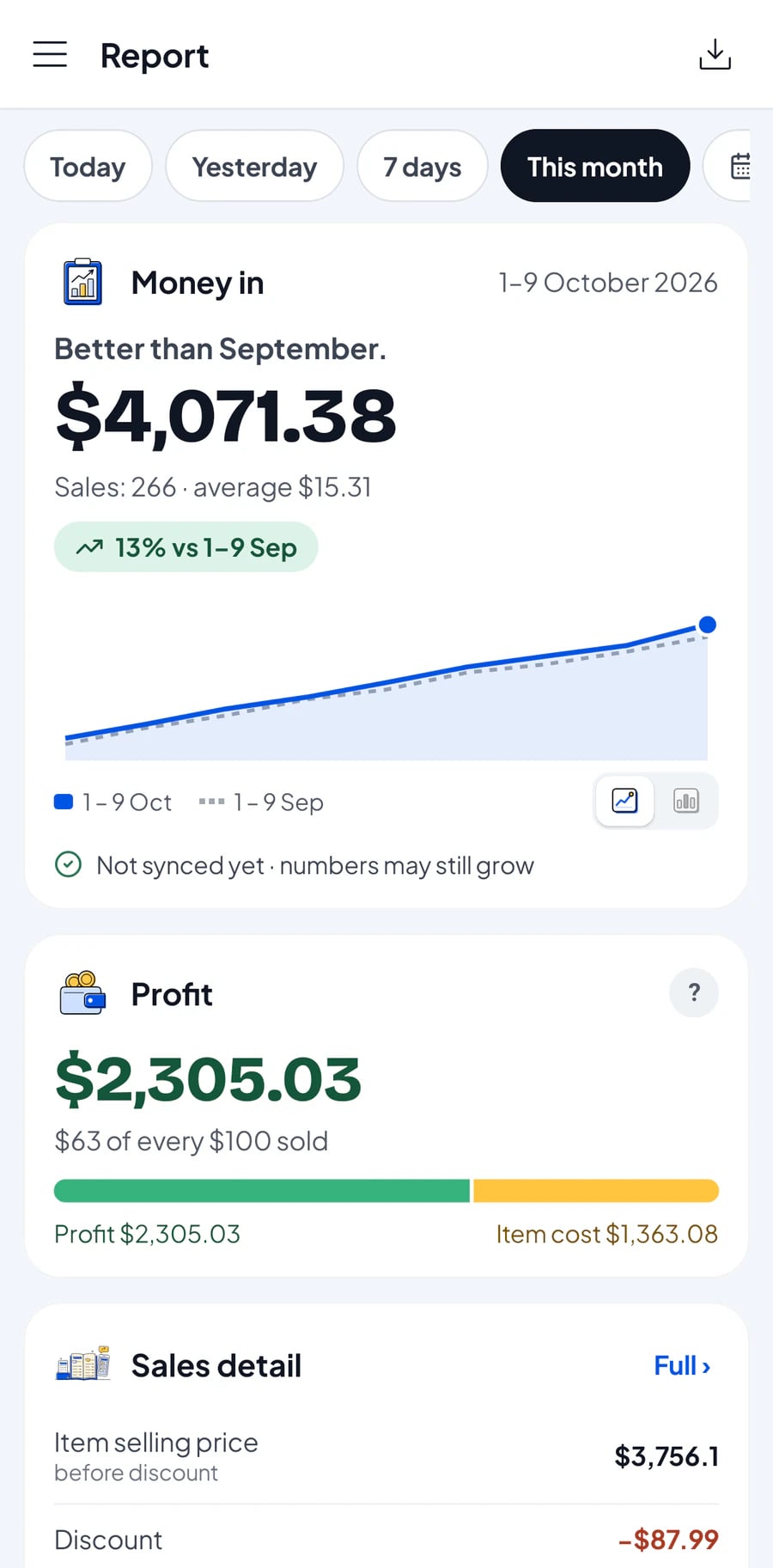
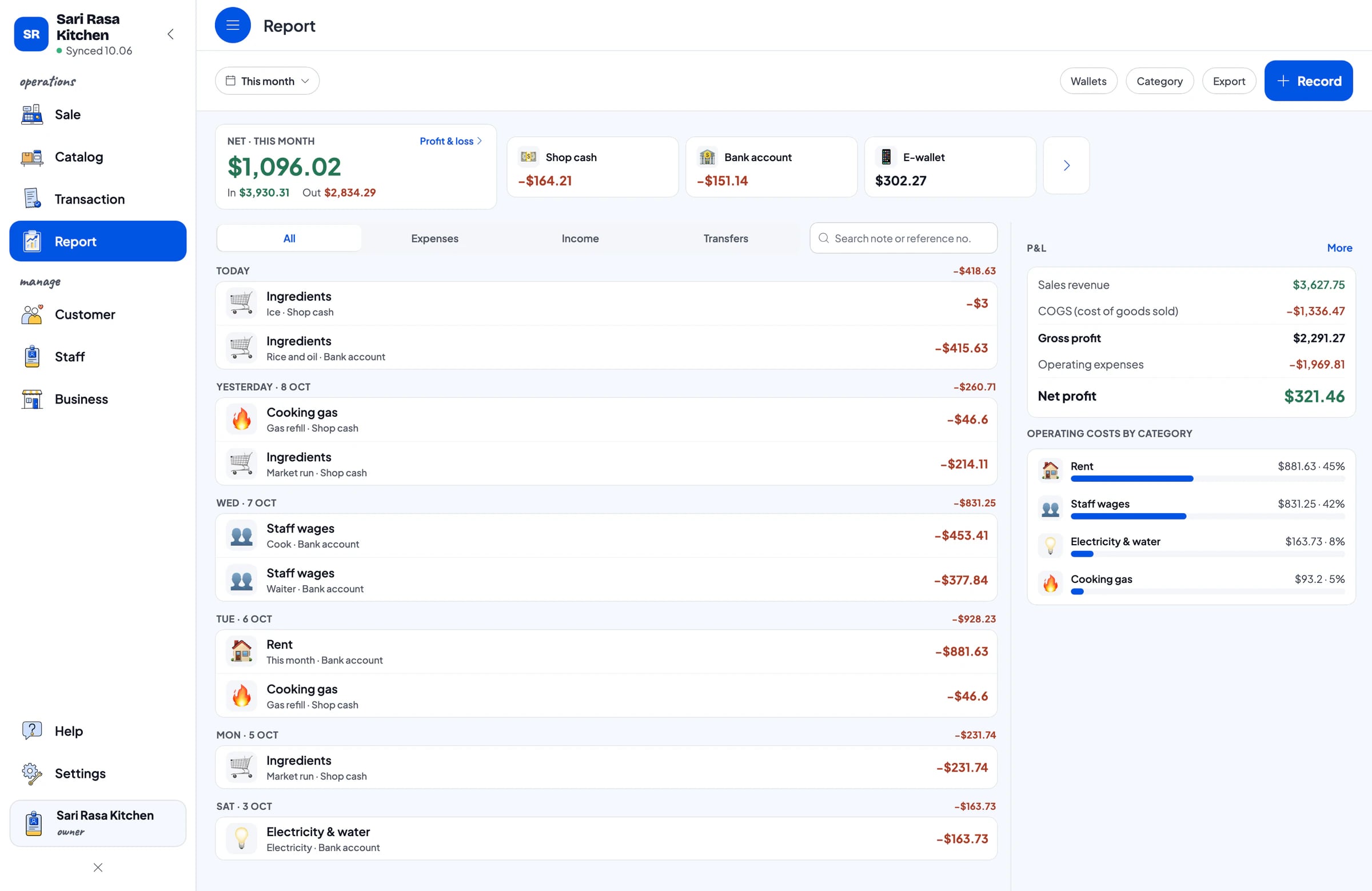
Ingredient purchases, wages and rent are already recorded. You see what really stays in your pocket.
Write the recipe once: an iced coffee uses coffee, milk and sugar. Every cup sold takes its ingredients off stock. Add-ons like an extra shot too.
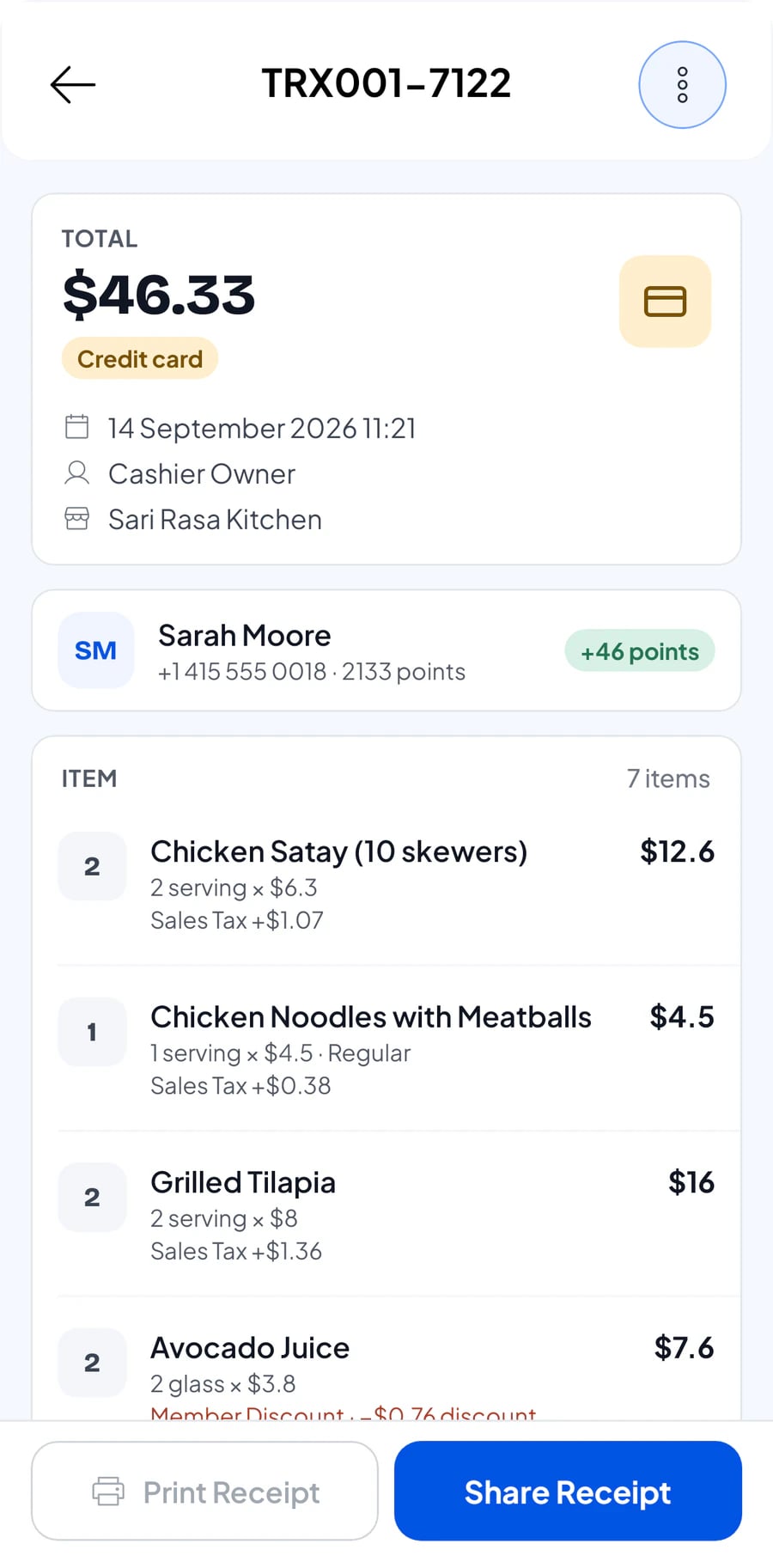
Print on a thermal printer, or send a web receipt by WhatsApp or email with your shop's logo, colours and social links.
Sales are saved on the device and sync by themselves when the internet is back. No queue waiting for a signal.
Salesmaster sells products, services and made-to-order items. Here are some of the businesses it suits.
Not on the list? If you sell products or services, Salesmaster works for you.
Record expenses by category and by wallet: cash drawer, bank account, e-wallet. Revenue minus cost of goods and operating costs gives your actual profit.

Points from every sale, redeemed as discounts, and member cards in their name. You set the rules.
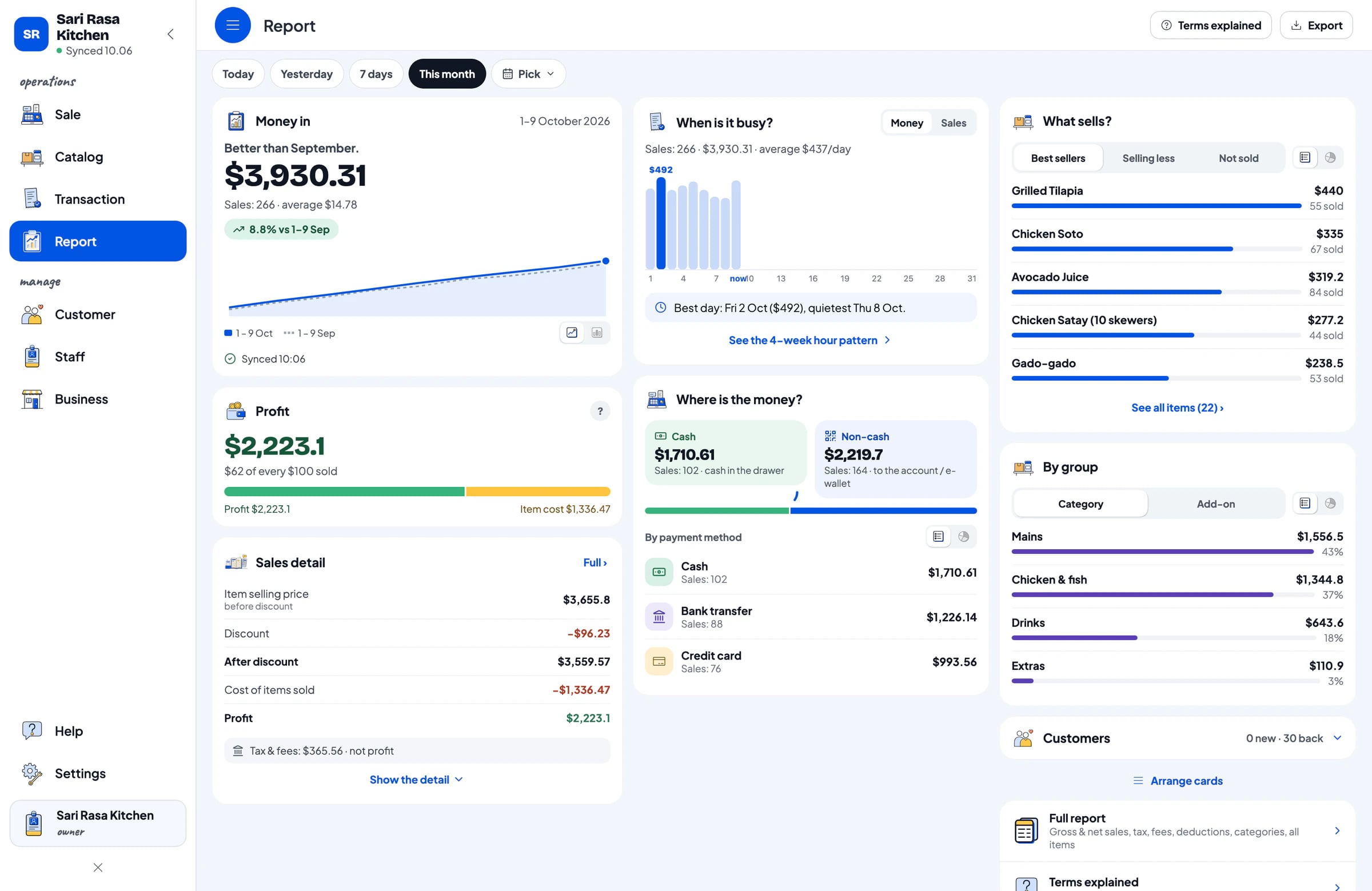
Daily, weekly, monthly, yearly. Best sellers, payment methods, tax. Send to your accountant in one tap.

Use it on a phone, tablet or laptop. Add cashier devices for your staff, and your shop's data syncs by itself.
Every plan includes checkout, stock, receipts, reports and offline mode.
$0.00forever
| Transactions per month | 30 |
|---|---|
| Items (products, services, recipes) | 250 |
| Customers | 100 |
| Staff accounts | Owner only |
$4.90$49.90/month/year
$49.90/yearor $4.90/month
| Transactions per month | 3,000 |
|---|---|
| Items (products, services, recipes) | 1,000 |
| Customers | 5,000 |
| Staff accounts | Owner only |
$6.90$69.90/month/year
$69.90/yearor $6.90/month
| Transactions per month | 5,000 |
|---|---|
| Items (products, services, recipes) | 2,000 |
| Customers | 10,000 |
| Staff accounts | 1 staff |
$9.90$99.90/month/year
$99.90/yearor $9.90/month
| Transactions per month | 8,000 |
|---|---|
| Items (products, services, recipes) | 3,000 |
| Customers | 20,000 |
| Staff accounts | 2 staff |
Real App Store reviews, translated from Indonesian.
“Finally found a great POS app for iPhone, and it can print directly too! Wishing Salesmaster more success!”
“The app is very simple and easy to understand, and the reports are complete and detailed.”
“Great service — whenever there's an issue, the admin helps via WhatsApp and responds quickly too.”
“Finally found a POS app that's simple and easy to use. Really helps with payments and everything is recorded. Great job developers!”
“The app is super useful, and the price is affordable. The latest update even has cloud backup too”
“The app is great and easy to use. The support team is super friendly and very responsive. All my questions were answered clearly.”
Yes. Salesmaster has a Free plan you can use with no time limit, within monthly quotas. Upgrade to a Pro plan whenever your business needs more.
Yes. Sales in Salesmaster are saved on the device and sync by themselves when the internet is back. Offline mode works for up to 7 days before the app needs to connect.
Salesmaster supports Bluetooth and USB thermal printers. Receipts can also be sent to customers by WhatsApp, email or a web receipt link.
Yes. The owner's account signs in on one device at a time, and extra cashier devices are added through staff accounts on Bronze Pro (1 staff) and Silver Pro (2 staff). Your shop's data stays in sync across Android, iPhone & iPad, Windows and Mac.
Download Salesmaster on the new phone and sign in with the same account. Your shop's data comes along because it is stored in your account, not on the phone.
Yes, on Bronze Pro (1 staff) and Silver Pro (2 staff). Each staff member signs in with their own account and the permissions you set.

Download, sign up and record your first sale in a few minutes. Upgrade any time.