

Chapter 1Day one
Get started in 5 minutes
The first four things every shop owner does. Follow them in order.
Step 1
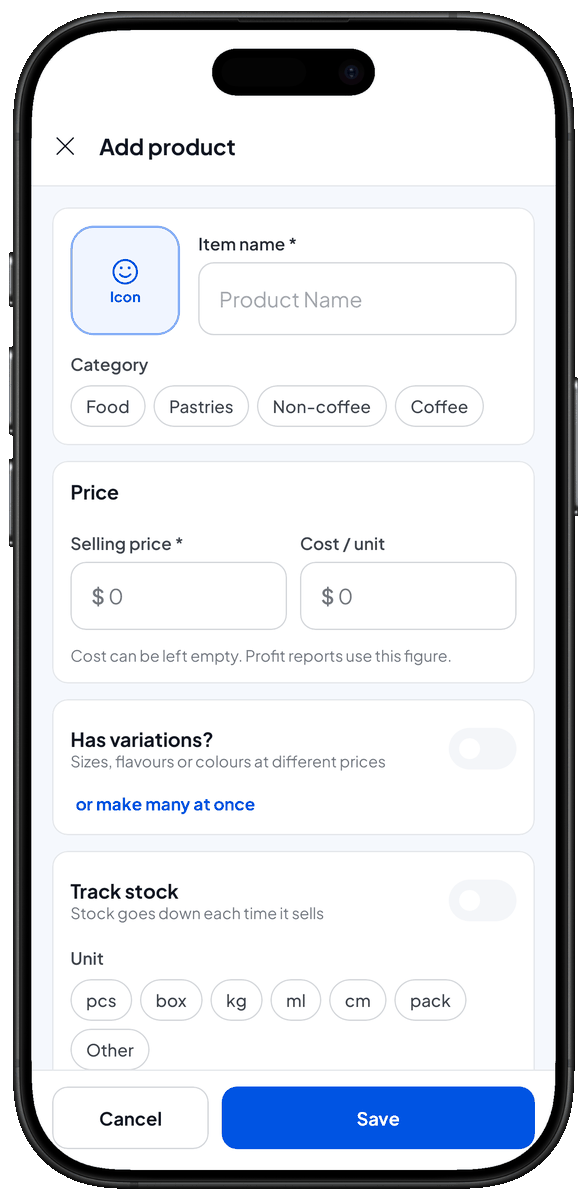
Add your first item
Add products or services with price, look, barcode, variations, and a tax and discount per item.
Step 2
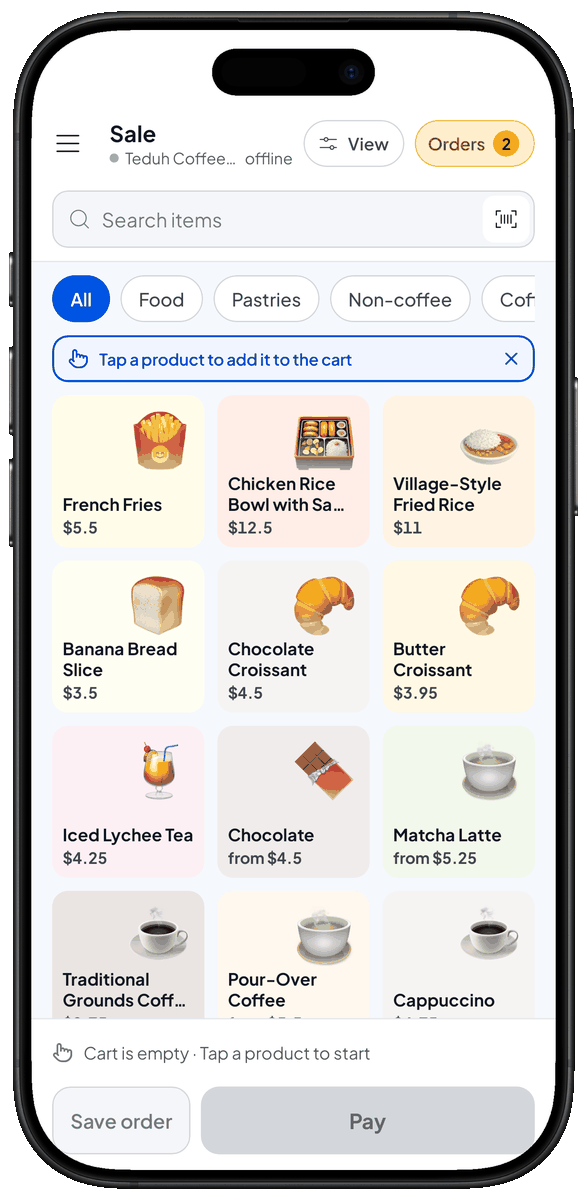
Create a sale
Record a sale, take payment, and print, share or email the receipt.
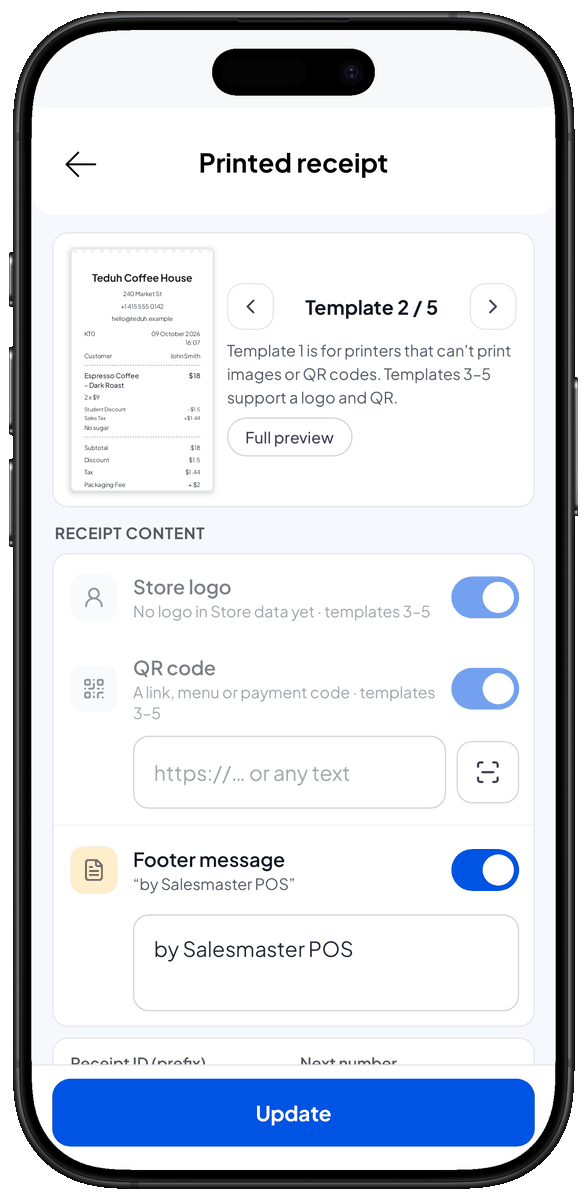
Step 3
Receipt configuration
Choose a receipt template, add your logo, QR code and footer message, and set the receipt number.
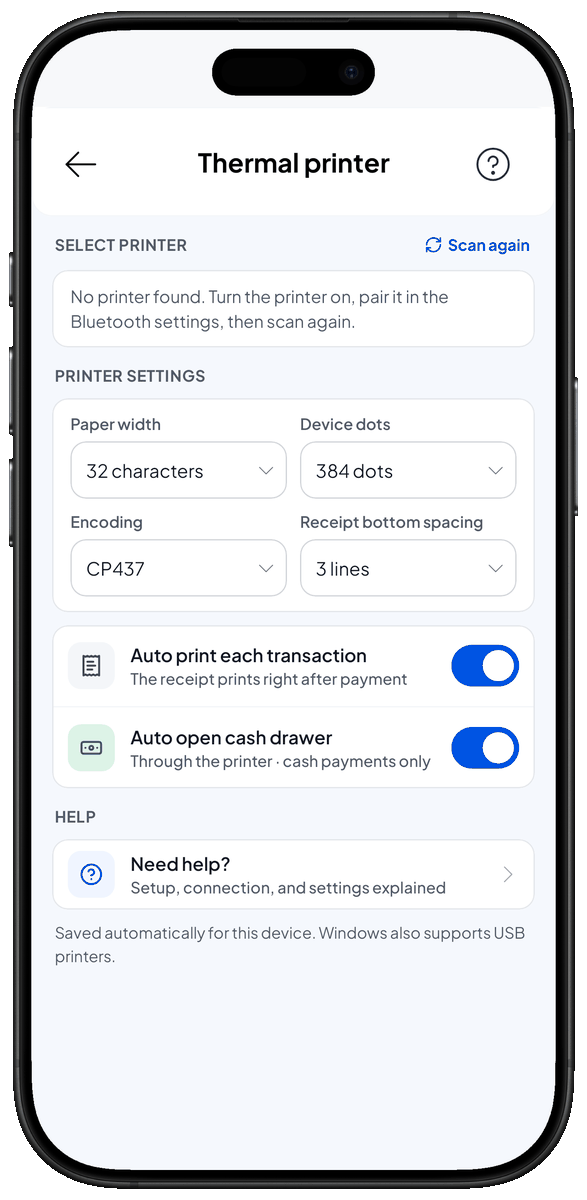
Step 4
Connect a Bluetooth printer
Pair a thermal printer, set the paper width, and print receipts automatically after each sale.
Chapter 2For your business
Guides for your business
 Restaurants & food stalls1 guide
 Cafés & coffee shops1 guide
 Minimarkets & grocery shops5 guides
 Bakeries & cake shops1 guide
 Staple-food shops1 guide
 Salons & spas4 guides
Chapter 3All guides